Guide 03 · Consistency · 18+
A gallery of one woman is worth more than twenty one-offs — and it's a prompting discipline, not a model feature. Lock a character block, vary only the scene, and the identity holds from first still to final video clip.
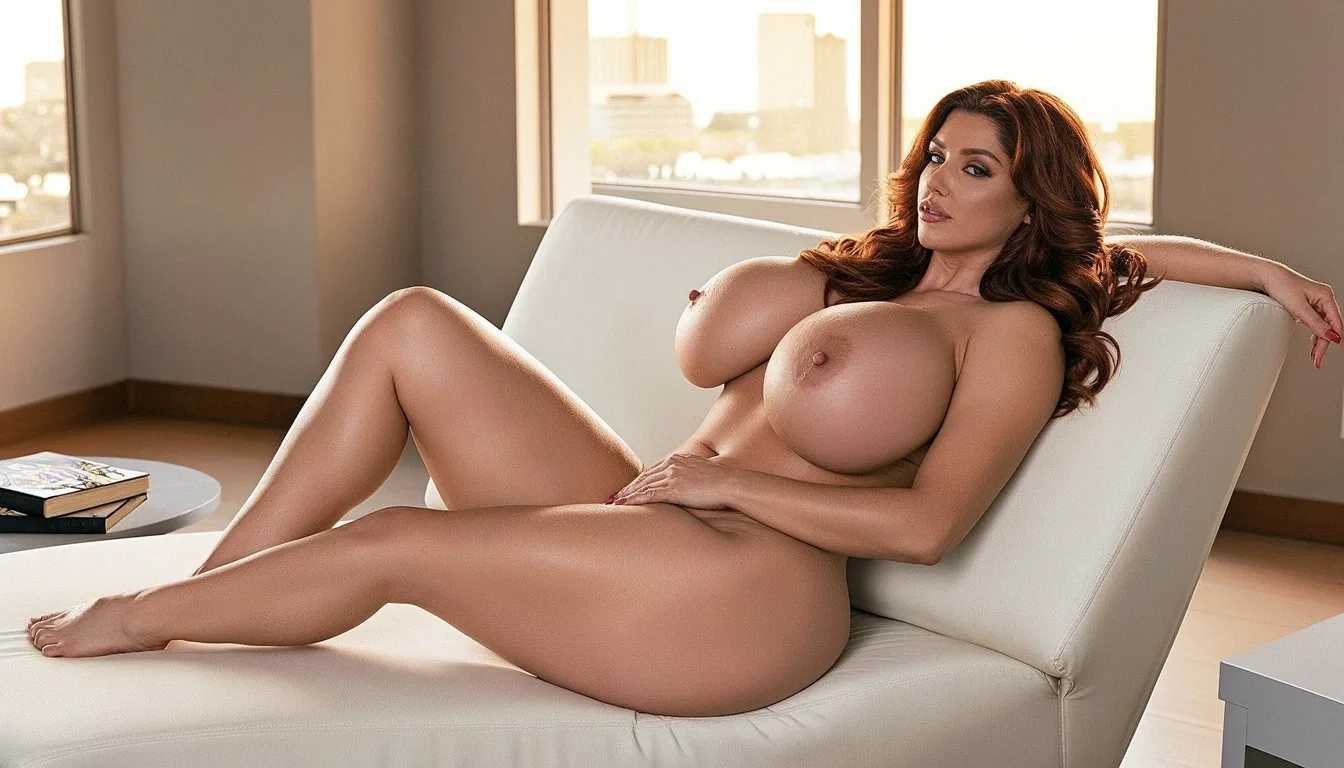
Everything that makes her her goes into one reusable paragraph: age, face shape, hair color and cut, skin tone, body type, breast size and shape, and one signature detail (a mole, a tattoo, a jewelry piece). This block is pasted verbatim into every prompt — verbatim is the discipline.
Locked block — never edited
"Fictional adult woman, late 20s, oval face, long center-parted dark brown hair, warm fair skin, curvy frame, very large natural breasts with realistic weight, small beauty mark above lip."
Scene, pose, framing and light are the free variables — change them per image. The moment you also "improve" the hair or the proportions mid-set, you've created a second woman. One variable class stays locked (identity), one rotates (world). That's the entire method, and it's the same logic as single-variable iteration in the prompt guide.
The same locked block drives every lane: render it with a realistic style suffix for lifelike photos, with a 2D suffix for anime art (see anime vs realistic), or age it up for a MILF persona. For video, consistency is free: the approved still is the first frame, so the clip can't drift from her.
Build her
Write the block, render four scenes, and check the set reads as one woman — a gallery that could pass for one photoshoot is the standard to beat.
Create your character ↗